Why Spotify feels so smooth
An excellent interface is not necessarily the one you notice. It is often the one you completely forget about while usi…
 Mickael Romaniello
30 minutes, no slides, nothing to prepare.
Mickael Romaniello
30 minutes, no slides, nothing to prepare.
Your user is on a plane, train, or abroad without data. Your app shows a blank screen. They will never come back.
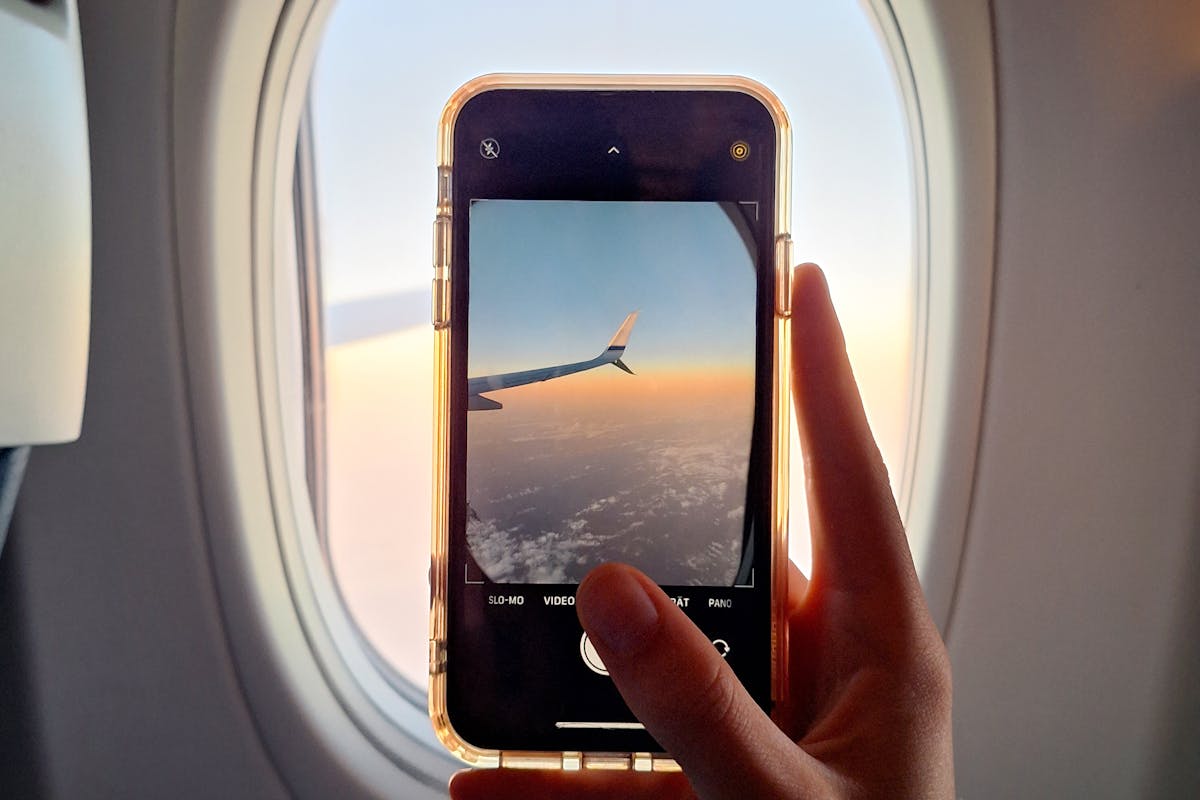
Your user is on a plane. They open your travel app to check their booking.
White screen. Loading. "Connection unavailable."
They close the app. They will never open it again.
We design apps in an office with Wi-Fi. We test with 5G. We validate on a perfect network.
But your users are:
According to Statista (2024), travelers use their smartphones for 85% of trip planning. If your app does not work offline, you lose 85% of its value.
And this is not a rare edge case. It is the norm. A typical traveler passes through at least 3 dead zones during a trip: the plane, the train tunnel, and landing in a foreign country before activating roaming. Three critical moments when they need their itinerary, their hotel confirmation, their booking number. If your app does not respond at those moments, it is useless exactly when it should be essential.
Take a step back. Breathe. You are not going to store everything offline. That would be absurd and expensive.
The key point: identify the vital information.
For a travel app, that means:
This data usually takes less than 50 MB. That is nothing. But it changes everything for a user stuck without a network.
The keyword is "smart." Your app downloads essential data when Wi-Fi is available. Not on 4G abroad where every MB costs a fortune.
According to Google's Material Design standards, a good app should always display something useful, even without a connection.
The key advantage: when the network returns, everything syncs in the background. The user notices nothing. It is invisible. It is seamless. It is professional.
In practice, smart synchronization works in 3 steps. First, the app detects the connection type. Then, it prioritizes critical data: bookings first, maps second, photos last. Finally, it compresses everything to minimize storage space. The user sees none of this. They just see an app that works, everywhere, all the time.
Offline mode is critical in many sectors:
Every time, the scenario is the same. No network. Urgent need. The app must deliver.
It is a matter of logic. Offline mode must be planned from the start. Adding it later costs 3 to 5 times more than designing it from day one.
Following Apple's Human Interface Guidelines, the app must display a clear message in offline mode. Not a white screen. Not a cryptic error message.
Technically, this means a local database on the phone. SQLite, Isar, Drift — the tools exist and are battle-tested. The real cost is not technical. It is the upfront thinking: which data to store, when to sync, how to handle conflicts when two versions coexist. This design work, done at the right time, takes a few days. Done after the fact, it means weeks of refactoring.
In short: an app that does not work without internet is an app that abandons its users at the worst moment. It is exactly when they need you most that you disappear.
Does your app need offline mode? Book a 30-minute call to evaluate feasibility.
12 years of experience, iOS + Android, one dedicated contact. Free 30-minute call to scope your need — no commitment, no jargon.
Book a call →
Your user is on a plane. They open your travel app to check their booking.
White screen. Loading. "Connection unavailable."
They close the app. They will never open it again.
We design apps in an office with Wi-Fi. We test with 5G. We validate on a perfect network.
But your users are:
According to Statista (2024), travelers use their smartphones for 85% of trip planning. If your app does not work offline, you lose 85% of its value.
And this is not a rare edge case. It is the norm. A typical traveler passes through at least 3 dead zones during a trip: the plane, the train tunnel, and landing in a foreign country before activating roaming. Three critical moments when they need their itinerary, their hotel confirmation, their booking number. If your app does not respond at those moments, it is useless exactly when it should be essential.
Take a step back. Breathe. You are not going to store everything offline. That would be absurd and expensive.
The key point: identify the vital information.
For a travel app, that means:
This data usually takes less than 50 MB. That is nothing. But it changes everything for a user stuck without a network.
The keyword is "smart." Your app downloads essential data when Wi-Fi is available. Not on 4G abroad where every MB costs a fortune.
According to Google's Material Design standards, a good app should always display something useful, even without a connection.
The key advantage: when the network returns, everything syncs in the background. The user notices nothing. It is invisible. It is seamless. It is professional.
In practice, smart synchronization works in 3 steps. First, the app detects the connection type. Then, it prioritizes critical data: bookings first, maps second, photos last. Finally, it compresses everything to minimize storage space. The user sees none of this. They just see an app that works, everywhere, all the time.
Offline mode is critical in many sectors:
Every time, the scenario is the same. No network. Urgent need. The app must deliver.
It is a matter of logic. Offline mode must be planned from the start. Adding it later costs 3 to 5 times more than designing it from day one.
Following Apple's Human Interface Guidelines, the app must display a clear message in offline mode. Not a white screen. Not a cryptic error message.
Technically, this means a local database on the phone. SQLite, Isar, Drift — the tools exist and are battle-tested. The real cost is not technical. It is the upfront thinking: which data to store, when to sync, how to handle conflicts when two versions coexist. This design work, done at the right time, takes a few days. Done after the fact, it means weeks of refactoring.
In short: an app that does not work without internet is an app that abandons its users at the worst moment. It is exactly when they need you most that you disappear.
Does your app need offline mode? Book a 30-minute call to evaluate feasibility.
12 years of experience, iOS + Android, one dedicated contact. Free 30-minute call to scope your need — no commitment, no jargon.
Book a call →We write about mobile app development, user experience design, App Store optimization, project management, and industry trends. Our articles are based on real experience from client projects.
We aim to publish regularly with a focus on quality over quantity. Each article is written from hands-on experience, not generic advice.
Absolutely! Feel free to reach out via our contact page or book a consultation. We love hearing what questions our readers and clients have.
Most of my projects run remotely, and in practice that changes very little. We talk over video whenever you need to, not only at major milestones, and you can reach me with questions at any point during the project — I always answer.
You can also write to me directly on WhatsApp: same number I use every day, a French professional line that works internationally.